01
Scattered versions
V1, V2, V3 and exports end up in separate folders while the discussion keeps moving elsewhere.
Kadr brings video review, timecoded comments, annotations and early cut decisions into one collaborative product.
A file in a drive, a note in chat, an annotation on a screenshot: every tool adds context, but nobody knows which decision is final.
V1, V2, V3 and exports end up in separate folders while the discussion keeps moving elsewhere.
Notes like "around the middle" or "when the logo appears" force everyone to rebuild the timecode.
Editors receive a trail of messages instead of a timeline that already reflects the team decision.
Move the playhead, split the clip and remove weak passages in the browser before sharing the next version.
Add notes and replies at the exact moment they reference, then keep the decision thread readable as the video evolves.
Draw or point to an area of the image so visual feedback stays attached to the comment.
Group videos, members, invitations, activity and versions in one place for every collaboration.
Keep V1, V2 and V3 in the project to compare context without breaking the discussion.
Prepare the collaborator network with public profiles and portfolio context around projects.
Kadr is not trying to replace a full editing suite. It makes review clearer before, during and after handoff.
Add the video to the workspace and keep team context around the right file.
Mark unused moments, clean the timeline and prepare a clearer version.
Collaborators add comments, replies and annotations directly on the timecode.
Export or continue review while decisions, members and history stay in one place.

Centralize feedback on hooks, rhythm, cuts, titles and CTAs without multiplying messages.
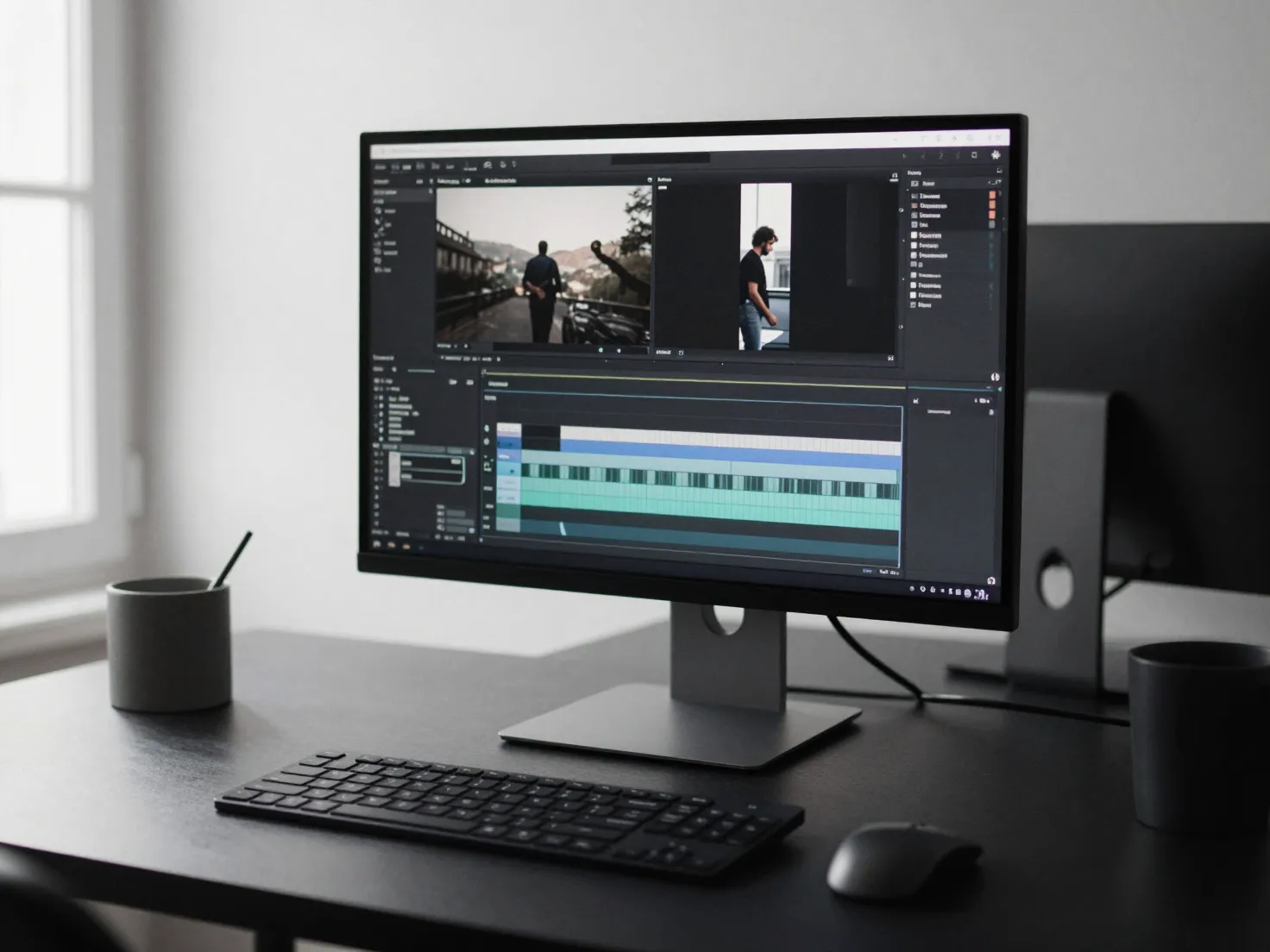
Receive clearer, timecoded and contextual feedback before jumping back into your editing tool.
Align decisions between creators, brands and collaborators without losing the latest approved export.
Leave your email to join the next creator tester wave.
No spam, only important beta updates. Access opens progressively.
Kadr currently focuses on video creators, freelance editors and small creative teams that need clear, timecoded reviews.
Yes, approved testers can use their own projects. Access opens progressively to keep the beta stable.
The beta focuses on comments, annotations, review decisions, projects and early synchronization signals around the timeline.
No. Kadr is made to prepare and clarify collaborative review. Editing suites remain the natural place for final creative work.
Request beta access with your email. New testers are invited in waves based on product needs.
Search for a command to run...